
The Overview is the first page you see after logging in. It sums up your account, shows how complete your profile is, and links to the most common actions. The Analytics tab next to it shows who visits your profile and what they click.
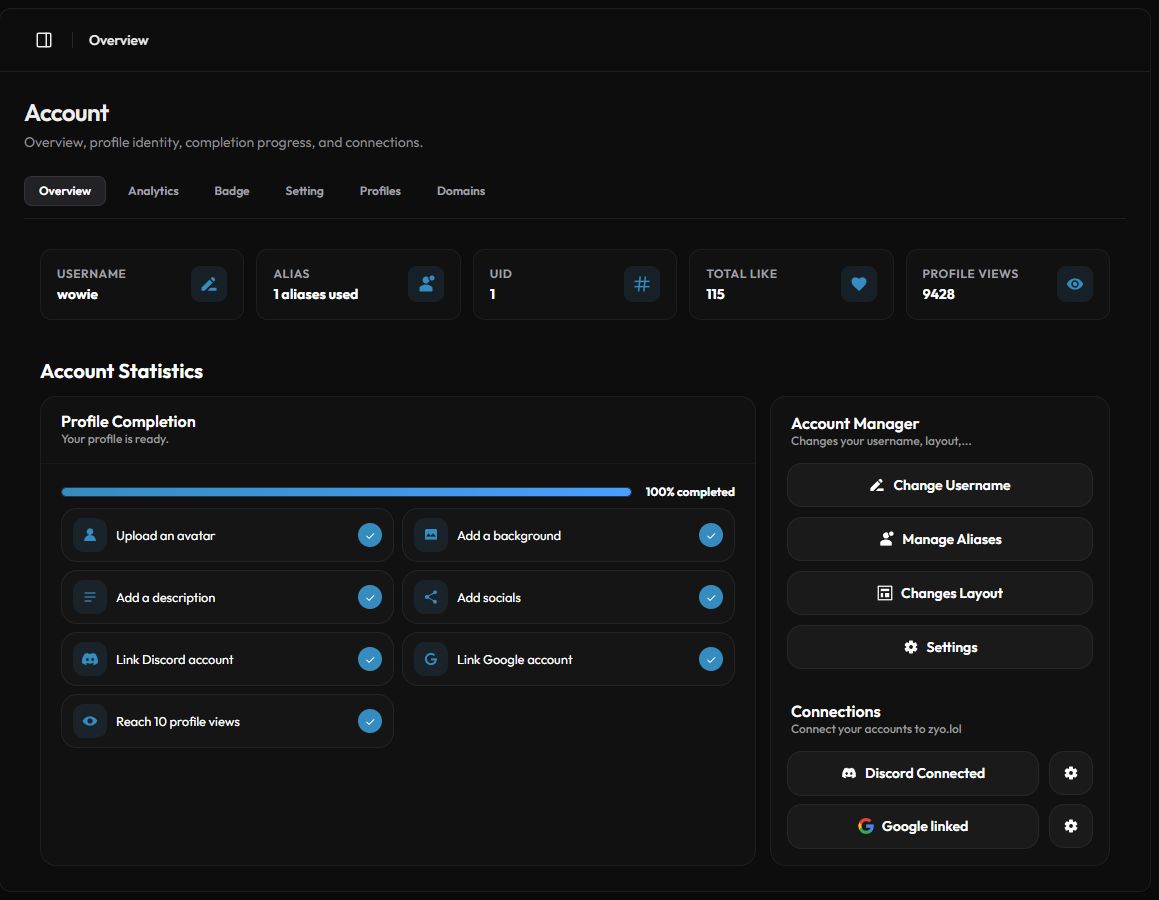
The Overview page
Open it from Panel › Overview or go to zyo.lol/overview. Along the top you'll find five cards:
| Card | What it shows |
|---|---|
| Username | Your profile name. The pencil button opens Change UserName. |
| Alias | How many aliases you use. The button opens Manage Aliases. |
| UID | Your account number. Partners can use it in a Couple profile. |
| Total Like | How many people liked your profile. |
| Profile Views | All-time views of your profile. |
Profile Completion
A checklist with a progress bar. Each item ticks itself off when you do it: Upload an avatar, Add a background, Add a description, Add socials, Link Discord account, Link Google account and Reach 10 profile views.
Account Manager and Connections
Shortcuts for Change Username, Manage Aliases, Changes Layout and Settings. Below them, Connections lets you link Discord and Google. See Account settings for details.
Theme Presets
Quick Themes gives you 8 ready color sets: Midnight, Glacier, Ember, Mint, Violet, Sunset, Steel and Candy. Click one and confirm Apply.
A theme preset replaces your current profile colors. Note your colors down first if you want to go back.
Analytics
Open Account › Analytics or zyo.lol/analytics. Pick a period in Time Range, and every chart updates.
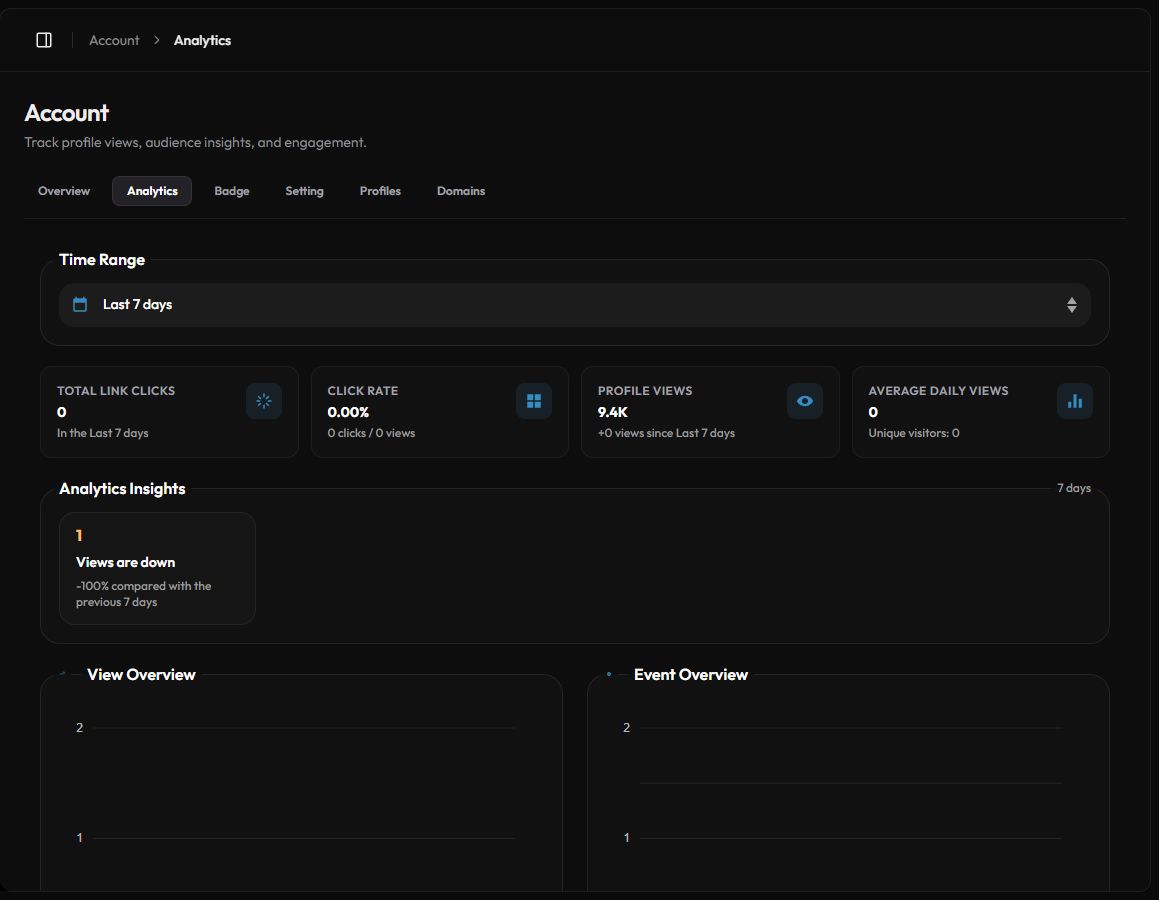
- Summary cards. Total Link Clicks, Click Rate, Profile Views and Average Daily Views (with unique visitors).
- Analytics Insights. Short notes such as "Views are up", your top clicked link, your main country and dominant device.
- View Overview and Event Overview. Charts of views and tracked events over time.
- Top Countries by Views and Visitor Devices (desktop, mobile, tablet).
- Event Summary. Counts of profile views, link clicks, widget clicks, audio plays, Discord profile clicks, second tab opens and likes. Click a row to see which links or widgets were clicked.
- Top Referrers. The sites your visitors came from. "Direct" means they typed or pasted your link.
- Who likes your bio. The accounts that liked your profile and when.
Free vs Premium analytics
| Free | Premium | |
|---|---|---|
| Time ranges | Last 24 hours, Last 3 days | Up to Last 30 days (7, 14 and 30 days added) |
| Profile Viewers list | No | Yes: viewer, device, country, referrer and time, with search |
Visits that come in through your own domain also have their own stats on the Domains tab. See Custom domain.