
Image Host Image Host lets you upload screenshots, GIFs and clips, then share them with short links that look great on Discord. It also comes with a Paste Bin for notes and code.
What you get
Image Host is a one-time, lifetime purchase from the pricing page. Premium raises your limits.
| Image Host | With Premium | |
|---|---|---|
| Storage | 30 GB | 50 GB |
| Max file size | 100 MB | 250 MB |
| API keys | 3 | 5 |
| Folders | 50 | 50 |
| Custom embeds | 30 | 30 |
| Pastes | 500, up to 50 MB in total | 500, up to 50 MB in total |
Supported file types are PNG, JPG, GIF, WEBP, MP4, WEBM and MOV.
Your links
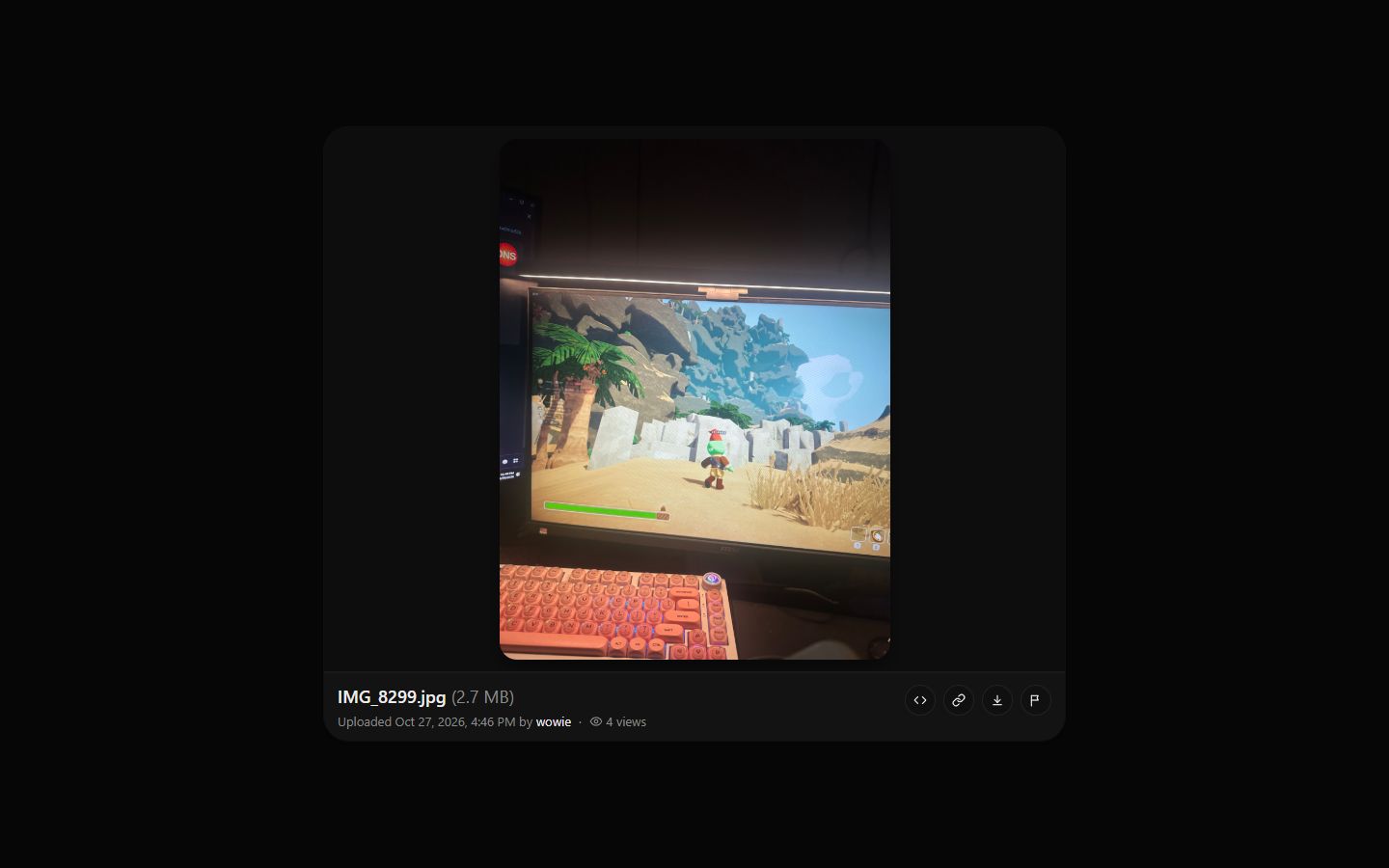
Every upload gets a short random code, so the link looks like i.zyo.lol/aB3xK9q. You can pick how long the code is (5 to 12 characters) in settings.
- File link:
i.zyo.lol/CODEopens the file page with your Discord embed. - Raw link: the direct file, handy for embedding somewhere else. Copy it from the file menu or the
<>button on the file page. - Paste link:
i.zyo.lol/your-slugopens a paste. - Custom domain: if you connect a domain, your files also work at
yourdomain.com/i/CODEand pastes atyourdomain.com/p/slug. Your domain only serves your own files.
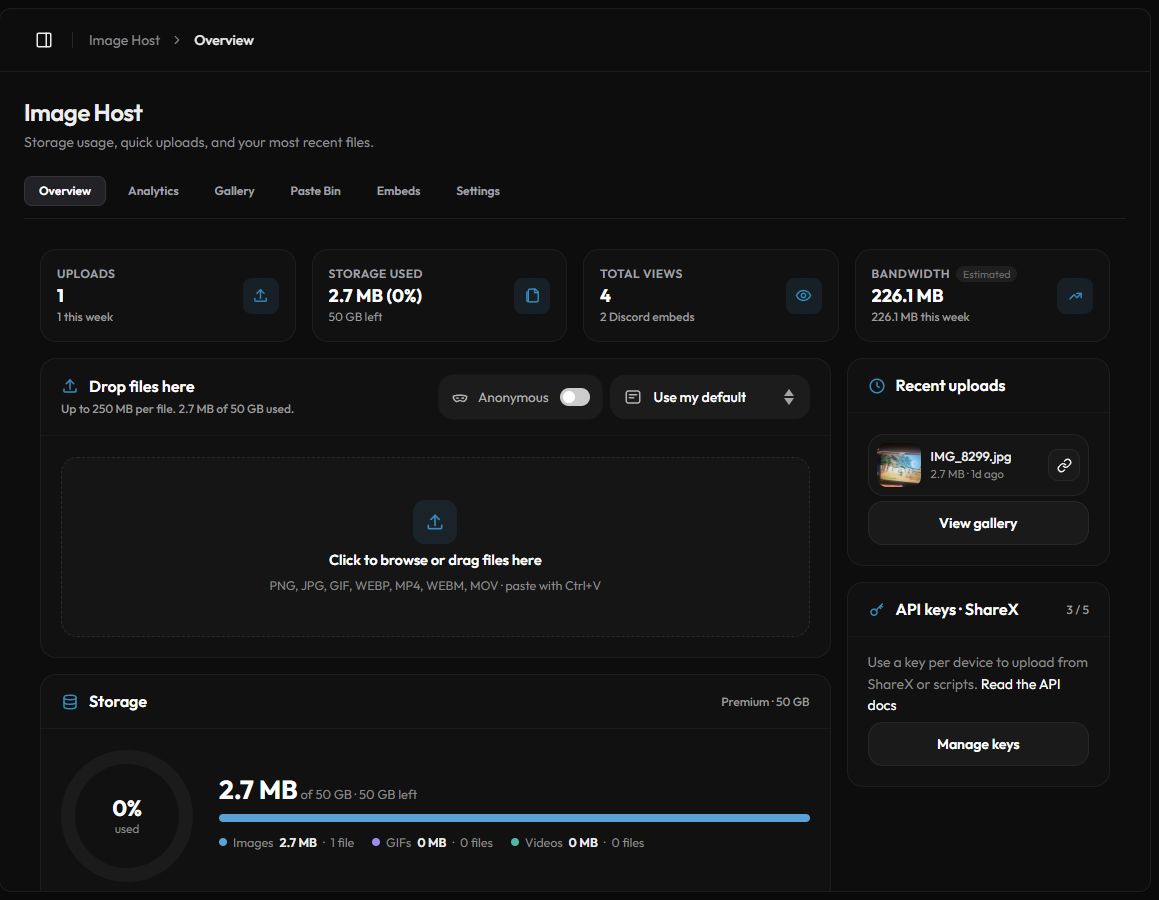
The Image Host panel
Open Panel › Image Host or go to zyo.lol/images. The panel has six tabs:
| Tab | What it does |
|---|---|
| Overview | Storage usage, a quick upload box, recent uploads and your API keys. |
| Analytics | Views, unique visitors, Discord embeds, bandwidth, top files and countries. |
| Gallery | Browse, search, sort, favorite, move and delete files. Folders live here. |
| Paste Bin | Create and manage text and code pastes. |
| Embeds | Design how your links look on Discord. |
| Settings | Upload defaults, auto folders, ShareX setup, API keys and deleting everything. |
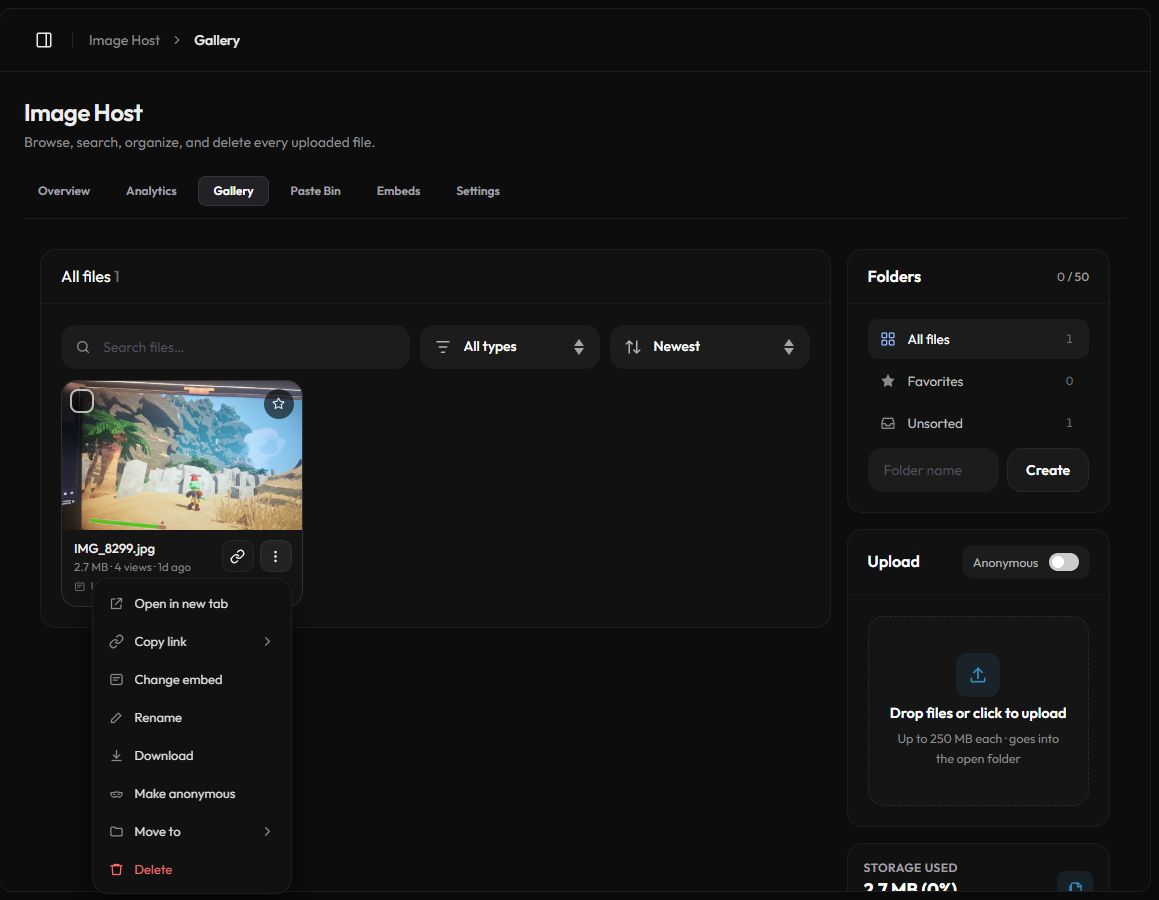
Gallery and folders
The Gallery lists every file you uploaded. Search by name or code, filter by type (images, GIFs, videos) and sort by newest, oldest, size, views or favorites.
- Click the ⋮ button on a file for Open in new tab, Copy link, Change embed, Rename, Download, Make anonymous, Move to and Delete.
- Select several files to favorite, move or delete them at once.
- Create up to 50 folders in the Folders card. Deleting a folder moves its files to Unsorted, nothing is deleted.
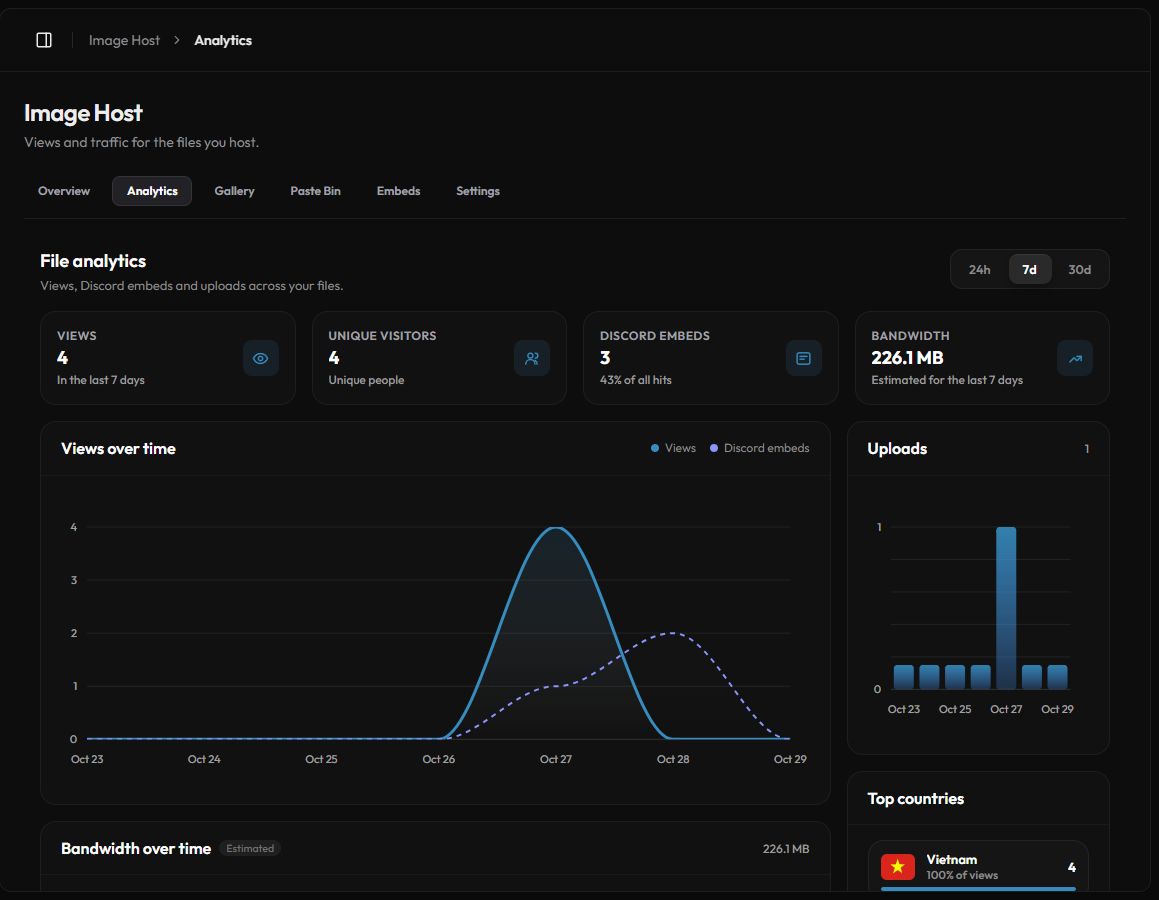
Analytics
The Analytics tab shows the last 24 hours, 7 days or 30 days. A view is counted once per visitor for each file. Discord link previews are counted separately as Discord embeds. Bandwidth is an estimate.
Safety checks
New files and pastes are checked automatically for unsafe content. If something is flagged, it is hidden from everyone else and marked In review in your panel until a moderator approves or removes it. You can still see it yourself. Read the rules for what is allowed.
Deleting a file stops its link working for everyone right away. This cannot be undone.