
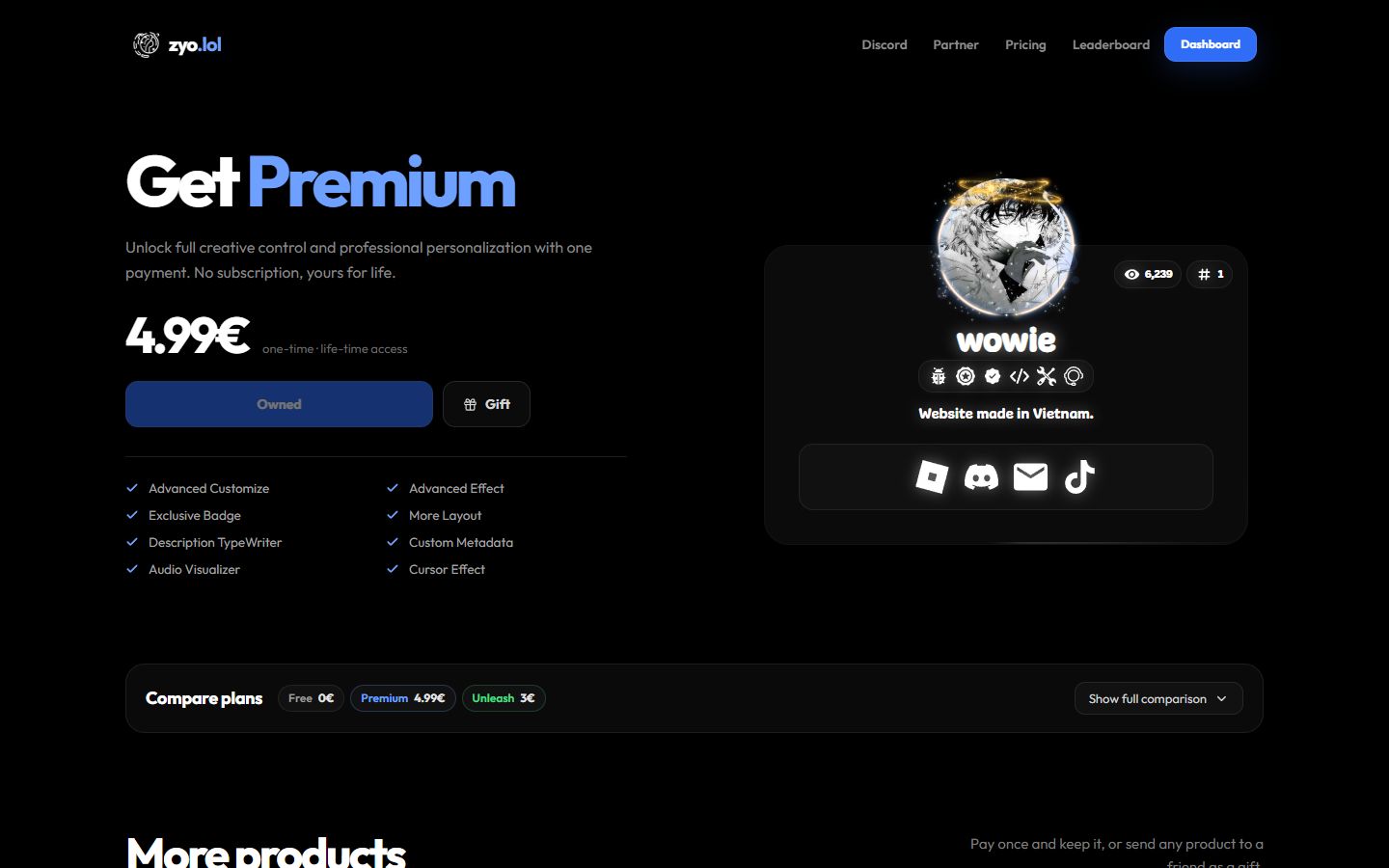
Premium is a one-time purchase that unlocks extra layouts, effects, widgets and profile options. There's no subscription: you pay once and keep it for life.
What's included
Premium adds these on top of everything in the free plan:
| Feature | What it does | Where to find it |
|---|---|---|
| More layouts | Layouts 2 and 3, plus border and corner radius options for your card. | Layouts |
| Description TypeWriter | Your description types itself out and cycles through several lines. | General |
| Custom fonts | Upload your own .ttf or .otf font. | General |
| Card animation | 3D Card or Comet Card hover effects. | General |
| Audio Visualizer | A border that pulses with your profile music. | General |
| Cursor and click effects | Trails, particles and bursts that follow the visitor's cursor. | General |
| Entrance animation | How your card appears when the page opens. | General |
| Custom metadata | Your own title, description, favicon and embed image when your link is shared. | Metadata and embeds |
| Widgets and Second Tab | Discord, Spotify, Roblox, Valorant, YouTube, GitHub, Steam and more. | Widgets |
| Aliases | Five extra links that open your profile, like zyo.lol/yournick. | Aliases |
| Premium badge | An exclusive badge on your profile. | Badges |
Background effects, username effects, colors, social links and profile analytics are free for everyone. The full side-by-side list is under Compare plans on the Pricing page.
Premium and Unleash
Unleash is a separate purchase. It adds Custom CSS, Markdown, a fully custom HTML layout, Fake Info and the Unleash badge. Premium and Unleash don't depend on each other, so you can buy either one or both.
Want more effects and layouts without writing code? Get Premium. Want to restyle or rebuild your profile with code? Get Unleash. See What is Unleash.
Get Premium
- Log in. You need a zyo.lol account to buy anything.
- Open Pricing. Go to zyo.lol/pricing and press Buy Premium.
- Finish checkout. Choose who it's for, add any add-ons, then pay with PayPal or VietQR. See Buying items.
- Start customizing. Premium is added to your account right after payment. The Premium section in the panel sidebar opens up.
Prices and sales change from time to time, so check the Pricing page for the current price. If you add an add-on in the same order, the whole order gets a bundle discount.
Gift Premium
You can buy Premium for a friend by sending it straight to their username or by creating a gift link. See Gifts.