
Custom Markdown adds a formatted text section to your profile: headings, bold text, lists, links, quotes and images, with no HTML needed. It's part of Unleash.
Open Unleash › Markdown or go to zyo.lol/markdown.
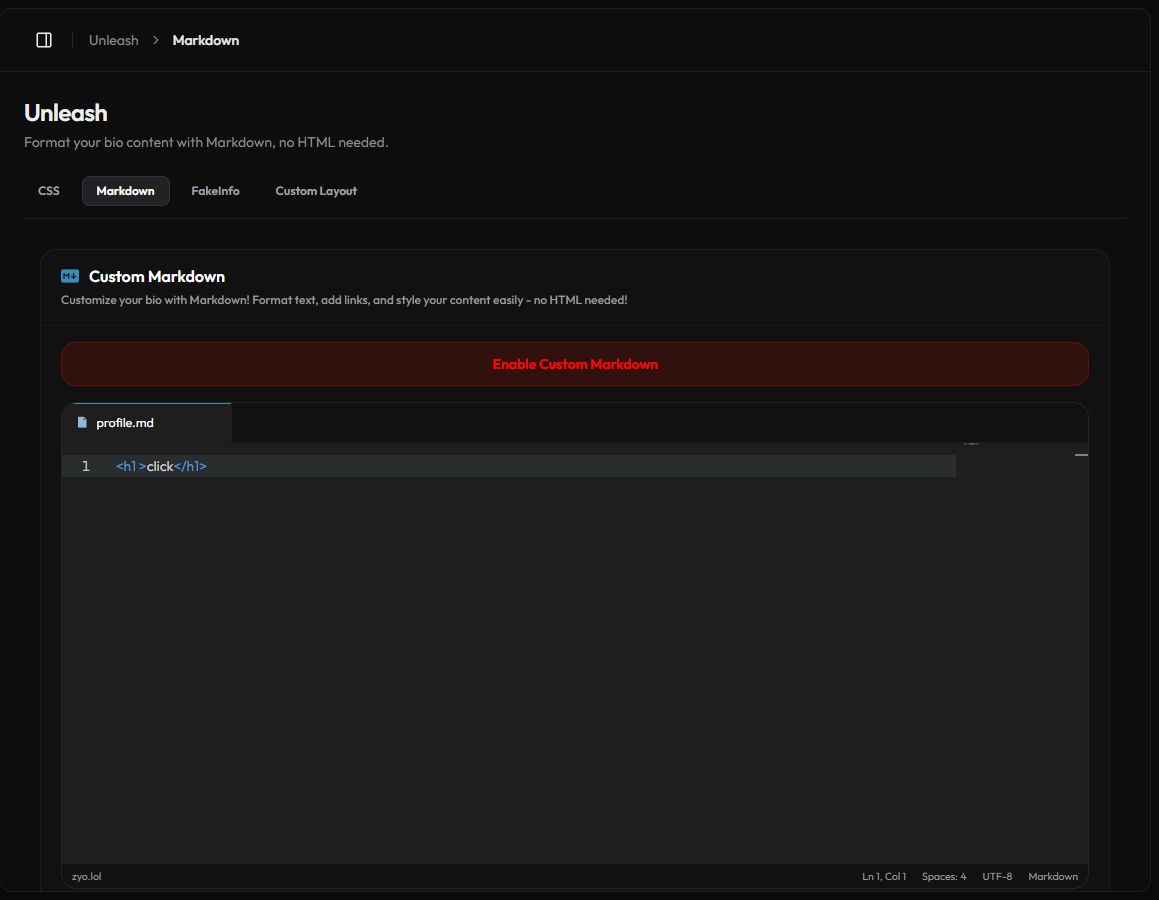
Add a Markdown section
- Write your content. Type in the profile.md editor using the syntax below.
- Save. Press Save Changes in the bar at the bottom.
- Turn it on. Press Enable Custom Markdown. The section appears on your profile card.
If your Markdown only has spaces or invisible characters, the section isn't shown at all.
Markdown cheat sheet
| You type | You get |
|---|---|
# Title, ## Subtitle | Headings |
**bold**, *italic*, ~~strike~~ | bold, italic, |
- item or 1. item | A bulleted or numbered list |
[my site](https://example.com) | A link |
 | An image |
<blockquote>quote</blockquote> | A quote block |
`code` | Inline code |
--- | A divider line |
Example
## About me
I make **music** and edit videos.

- Favorite game: *Valorant*
- Now playing: [my playlist](https://example.com)

<blockquote>Thanks for stopping by!</blockquote>
Using HTML
The safety filter turns > and < in plain text into HTML entities, so a line starting with > doesn't become a quote. Use <blockquote> for quotes instead.
Simple HTML like <h1>, <br>, <span> or <div class="..."> works too. When you save, the same safety filter as Custom Layout runs, so scripts, iframes, forms, videos and event handlers are removed.
Style it
The section sits in a container with the classes markdown_content_container and markdown_content. Target them on the Custom CSS page:
.markdown_content h2 { color: var(--nameColor); }
.markdown_content img { border-radius: 12px; max-width: 100%; }Using a Custom Layout? Place your Markdown anywhere with the <markdown/> tag.