
Any product in the shop can be a gift. Send it straight to a friend's account, or buy a gift link that anyone can redeem once.
Two ways to gift
| Option | Best for | How it's delivered |
|---|---|---|
| Gift to a User | You know their zyo.lol username. | Added to their account right after payment. |
| Gift Link | They don't have an account yet, or you want to hand it out yourself. | You get a link. The first person to redeem it gets the product. |
Gift to a user
- Start checkout. On Pricing, press the Gift button next to a product, or press Buy now.
- Pick Gift to a User. In the Choose step, select Gift to a User.
- Enter their username. Type their zyo.lol username in Recipient username. Their card appears once the account is found, along with the gift price.
- Finish checkout. Continue to Payment and pay as usual. See Buying items.
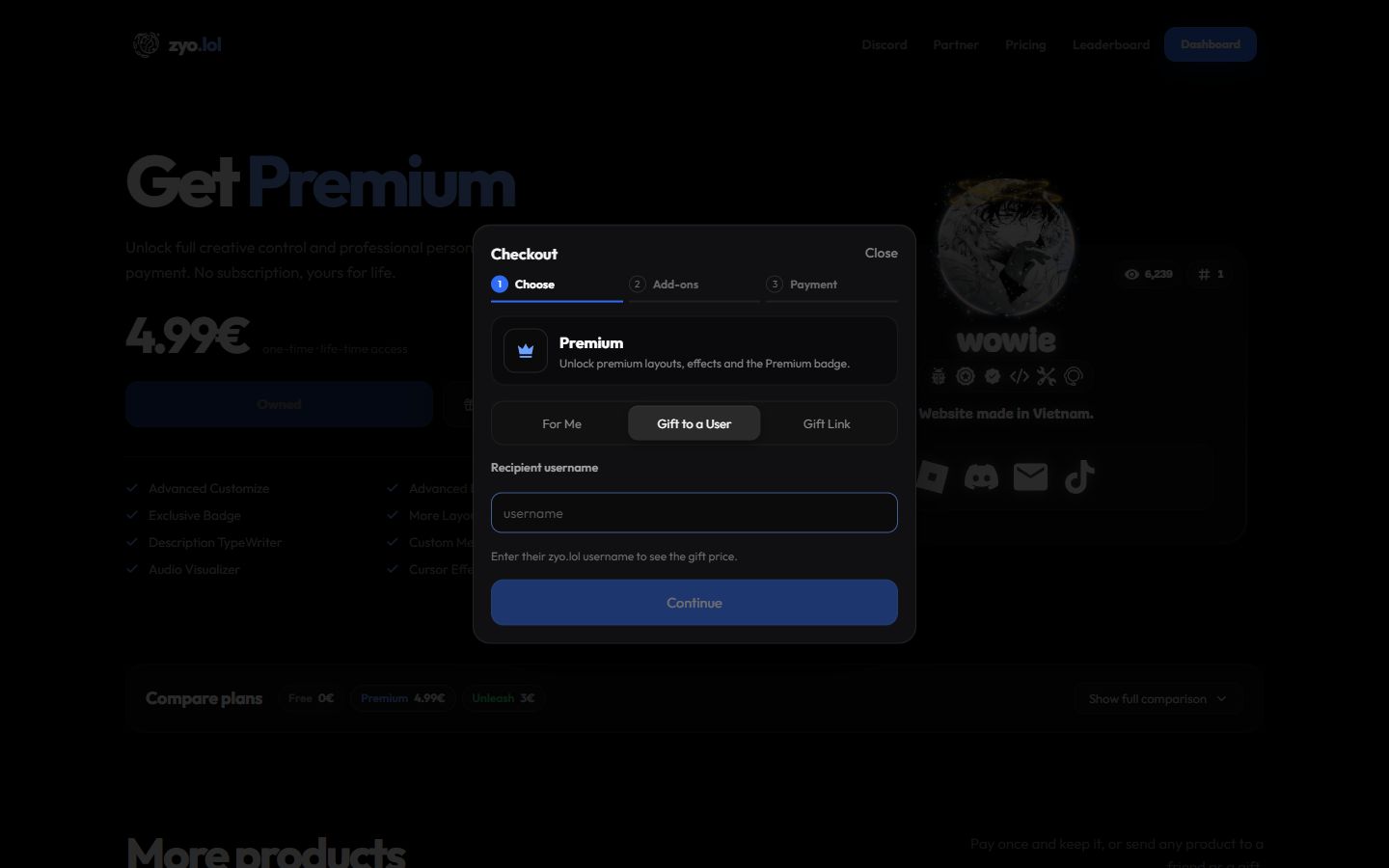
- You can't gift to your own username. Pick For Me instead.
- If they already own the product, checkout shows @username already owns ….
- The price can depend on the recipient. For example, the alias slot launch price and the Unleash discount on domains use their account, not yours.
Buy a gift link
- Start checkout. Press Gift or Buy now on a product.
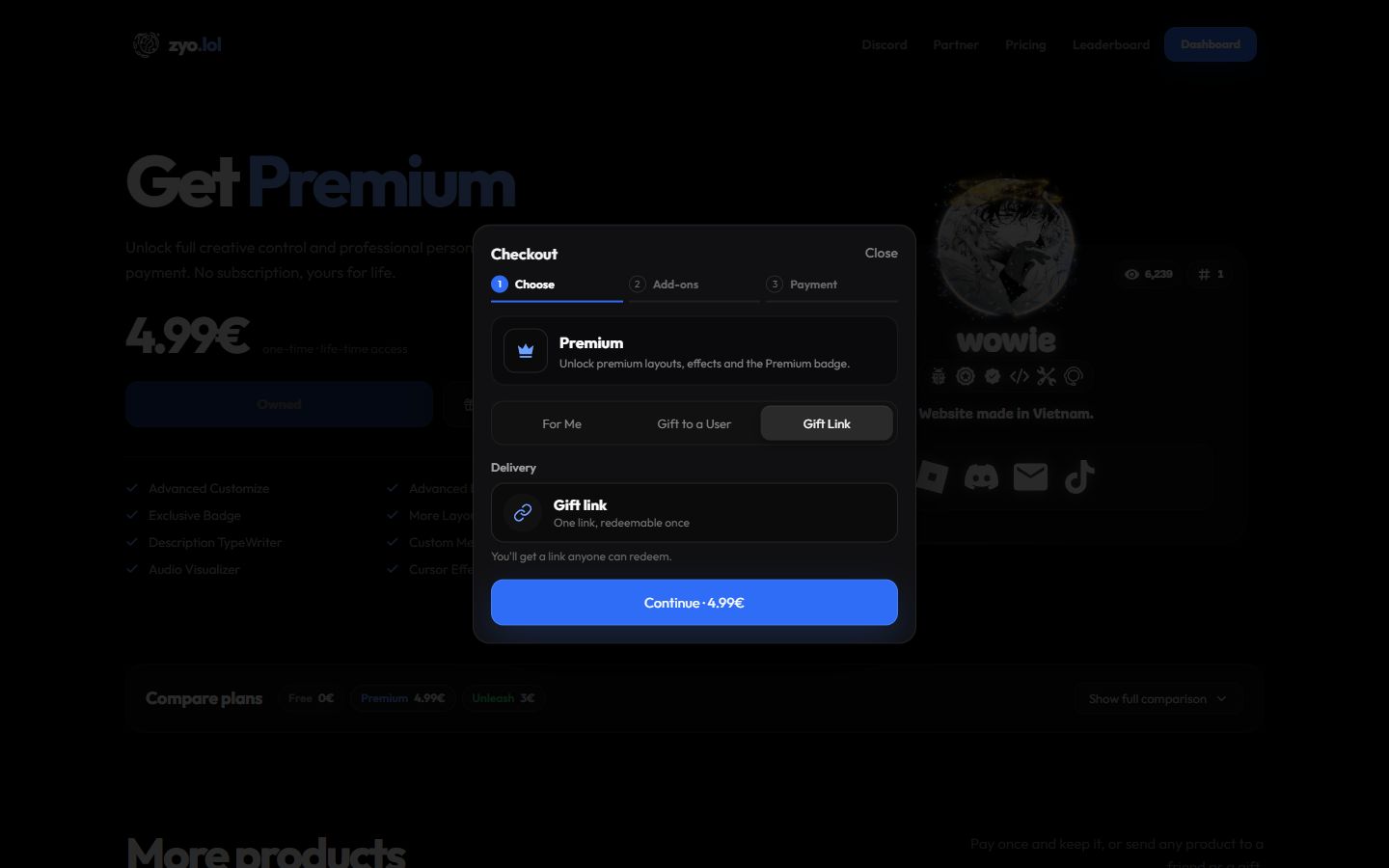
- Pick Gift Link. Select Gift Link. Delivery shows One link, redeemable once.
- Pay. Finish checkout as usual. Add-ons are included in the same link.
- Copy your link. When payment is confirmed, you'll see Your gift link is ready. Press Copy and send it to anyone.
All your gift links are listed under Your gift links at the bottom of the Pricing page, with Unused or Redeemed by @username next to each one and a Copy button.
Anyone with the link can redeem it. Only send it to the person it's meant for.
Redeem a gift link
- Open the link. It looks like
zyo.lol/gift?code=…and shows what's inside and who sent it. - Log in. If you're logged out, press Log in to redeem, then open the link again.
- Redeem. Press Redeem gift. You'll see Gift redeemed and a button to start using it.
It says "This gift was already redeemed".
Each link works once. Someone has already used it. Ask the sender to check Your gift links.
It says "You already own …".
You can't redeem a product you already have. The link stays unused, so you can pass it on to someone else.
It says "This gift link has expired".
Some gift links, like ones given out in events, have a redeem-by date shown on the gift page. Links you buy in the shop don't expire.
The gift is a custom domain. How do I set it up?
The gift adds time to your domain balance. After redeeming, press Set up your domain and connect your domain. See Custom domain.